THE WORKFLOW
A clearer path through every meeting.
Create a space, invite the right people, guide the conversation, and keep the decisions and next steps together.
Create a meeting
Choose Meet Now or schedule a time, then enter a title and your name. Agenduhs creates separate host and participant PINs and shows a ready-to-share general invitation. Your private host access stays separate.
Plan a useful agenda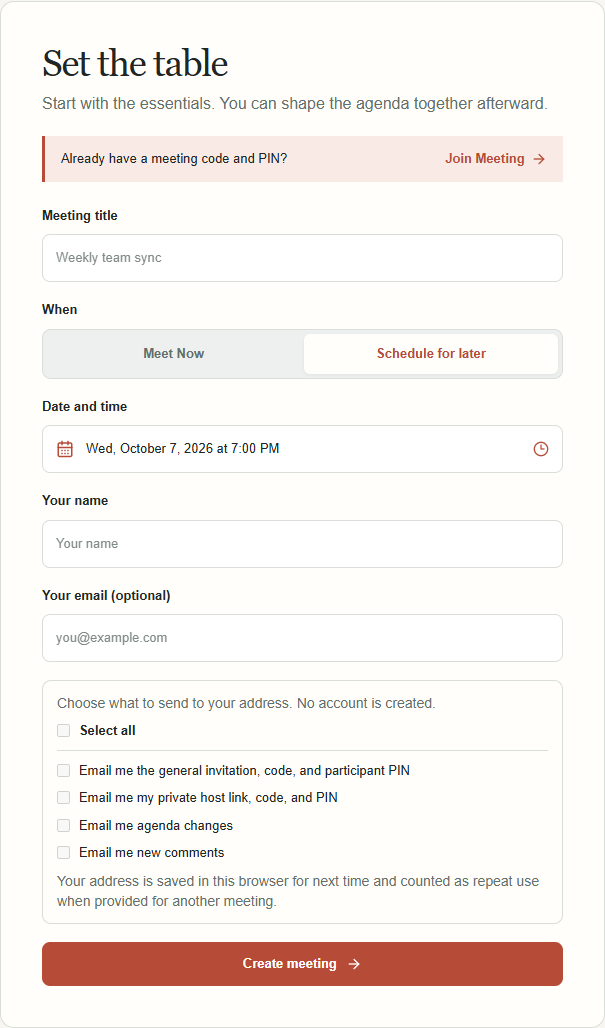
Invite and prepare
Share the general invitation or add people by name for personal links and codes. Everyone can see the agenda. When permitted, participants can add topics and comments before the cutoff; hosts can order or defer topics.
Read the agenda guide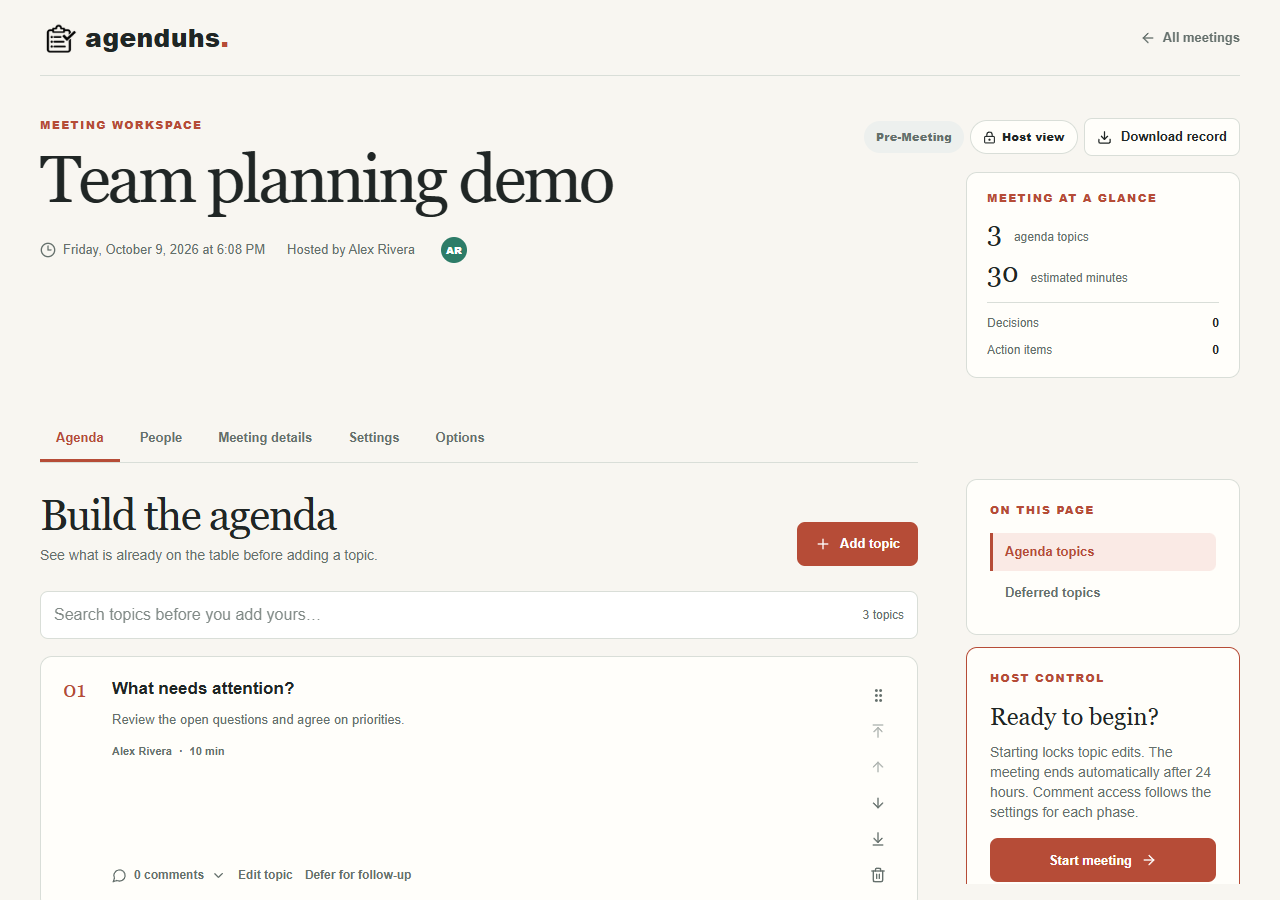
Run the conversation
Start the meeting when the group is ready. The current topic and overall meeting timers sit side by side. Track attendance, add discussion notes, and capture decisions and assigned actions as you go.
Write clear meeting minutes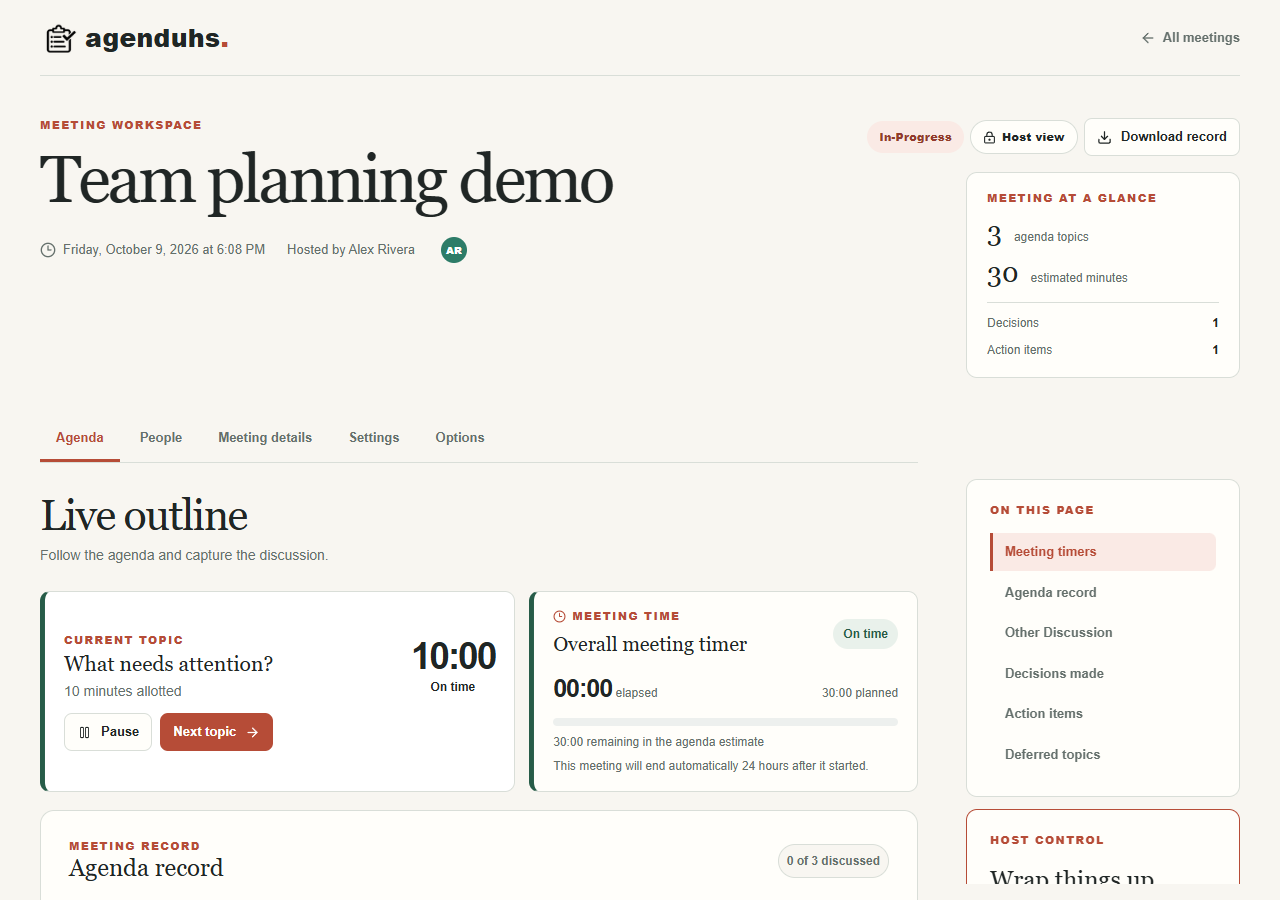
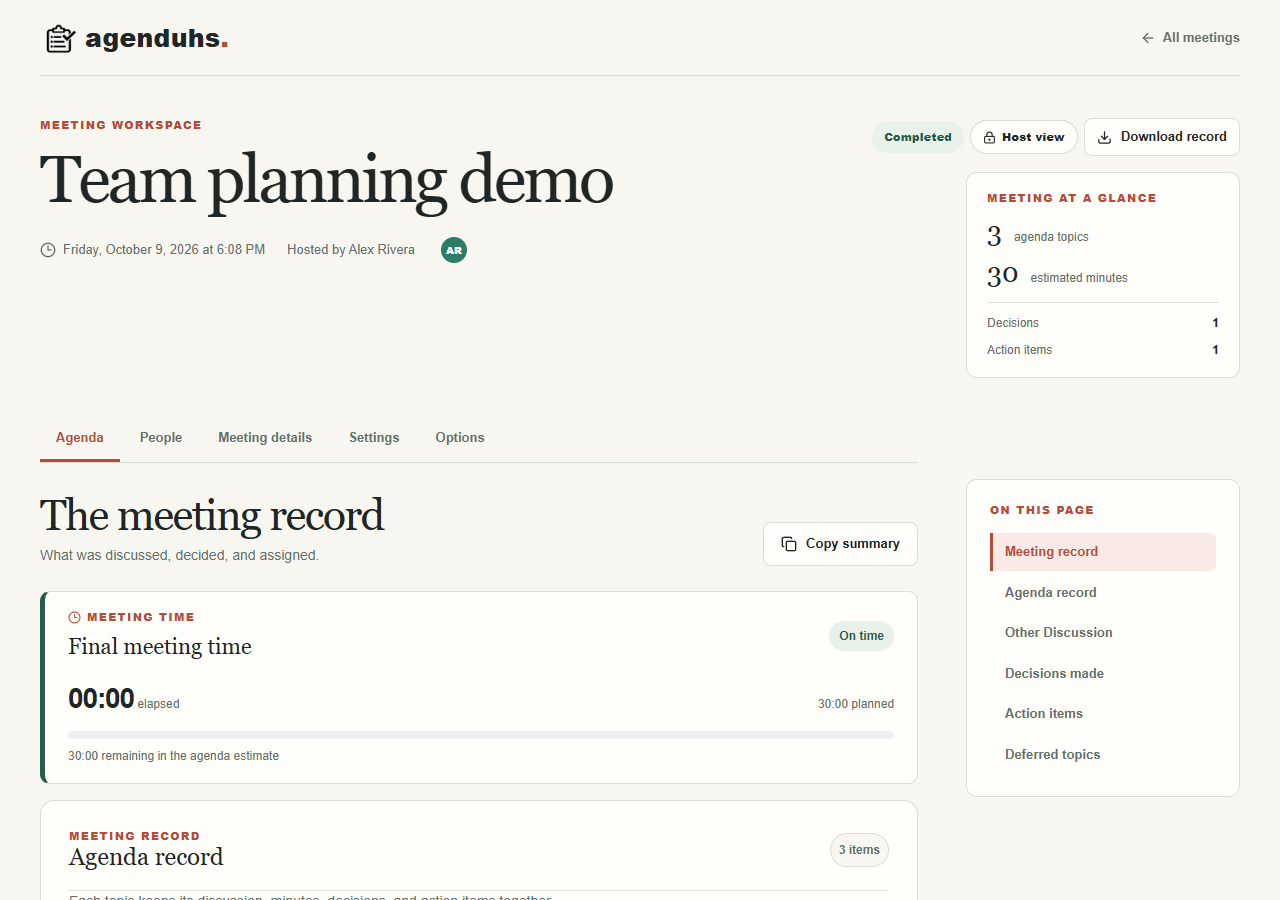
Finish with a useful record
Complete the meeting and review its topics, notes, decisions, and actions in one place. Download the record as a PDF or DOCX before the meeting reaches its retention deadline.
Track meeting action items